
AI 神器 Nano Banana 免费白嫖!一键修图超越 PS
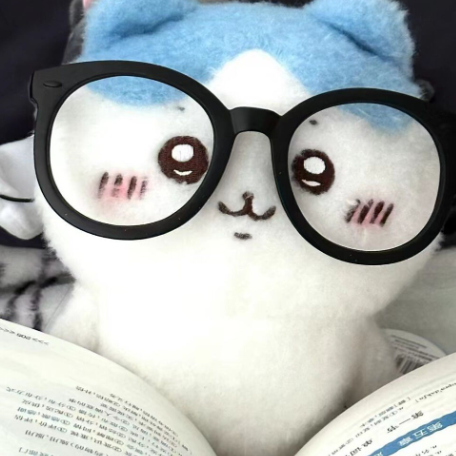

停下!你还在为一张封面图熬夜肝 PS?
别再浪费时间!
这次谷歌财大气粗,一键修图、创意无限,还免费开放使用权限。
玩了两天,我的PS、修图软件差点全卸载。🙃
熬夜调图层、找插件?现在只需要一句 prompt,几秒钟出图,精修师傅看了都沉默。
🔑 如何使用 nano banana?
👉 推荐入口: https://aistudio.google.com/
✅ 免费、稳定、不限速,官方直通车。
操作方法超级简单:
打开页面,右侧切换模型为 Gemini 2.5 Flash Image Preview(这就是 nano banana 的真名)
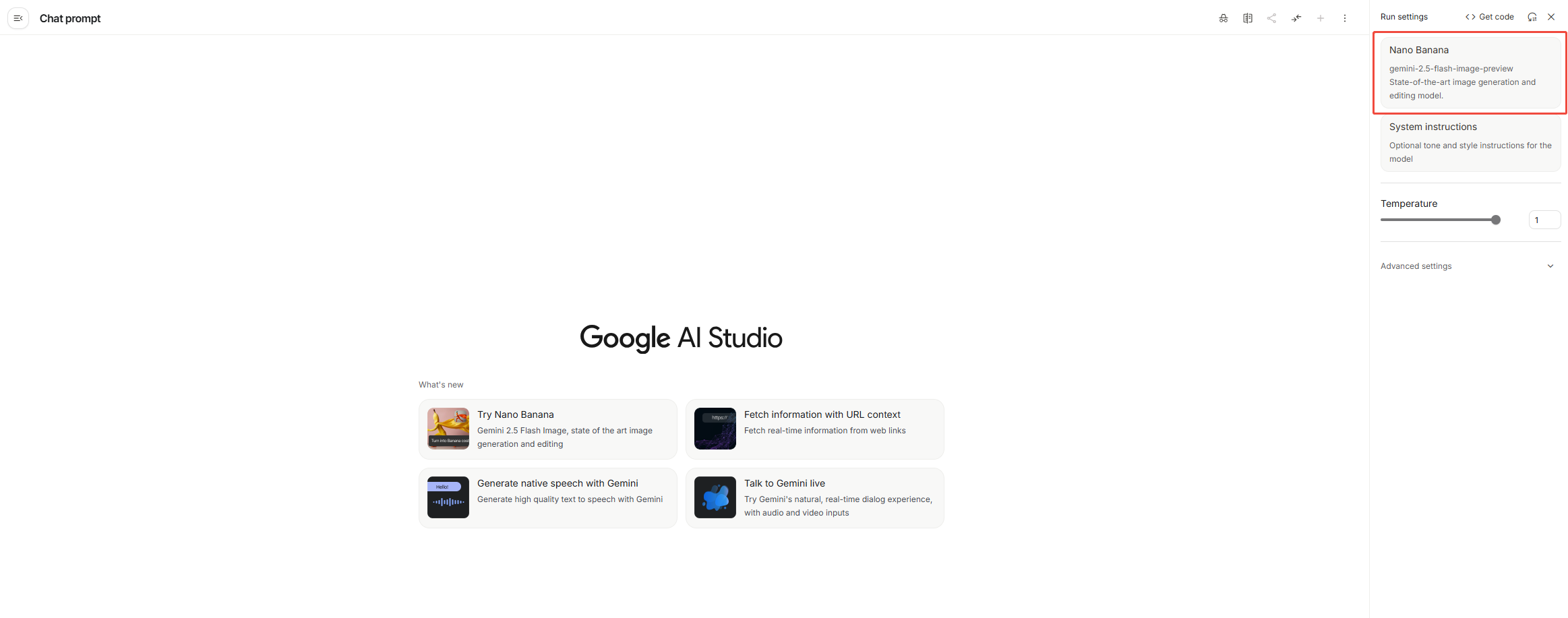
上传图片(支持多张,注意别超过10M,直接截图最稳)。
输入修改需求,点击 Run。
⚠️ 小贴士:
连续编辑 4-5 次后,因上下文太长,生成效果可能下降,建议开个新会话,满血复活。
🎨 实测玩法大放送
玩下来我总结了几种超有趣的应用场景,分享给大家:
1. 生成 3D 手办
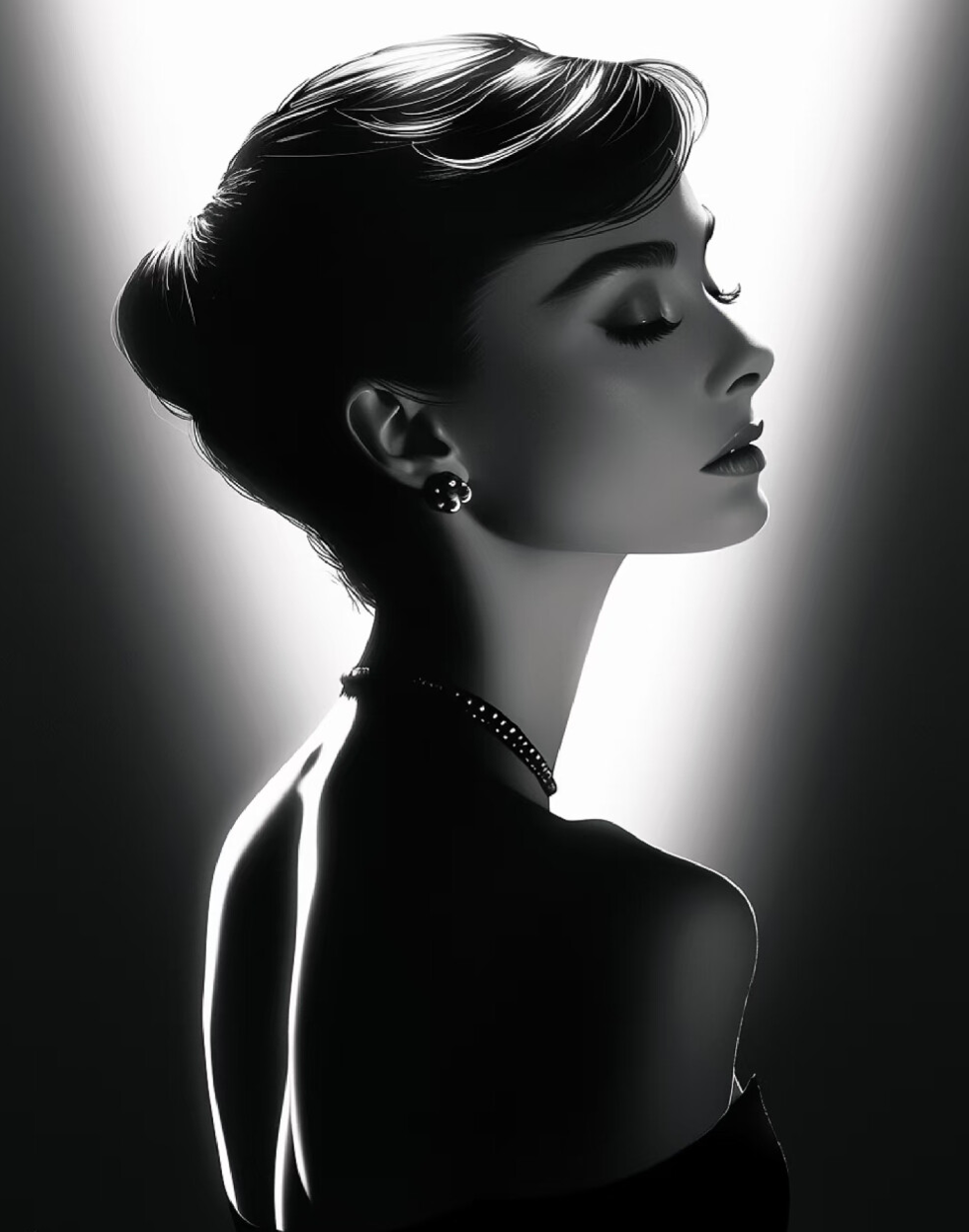
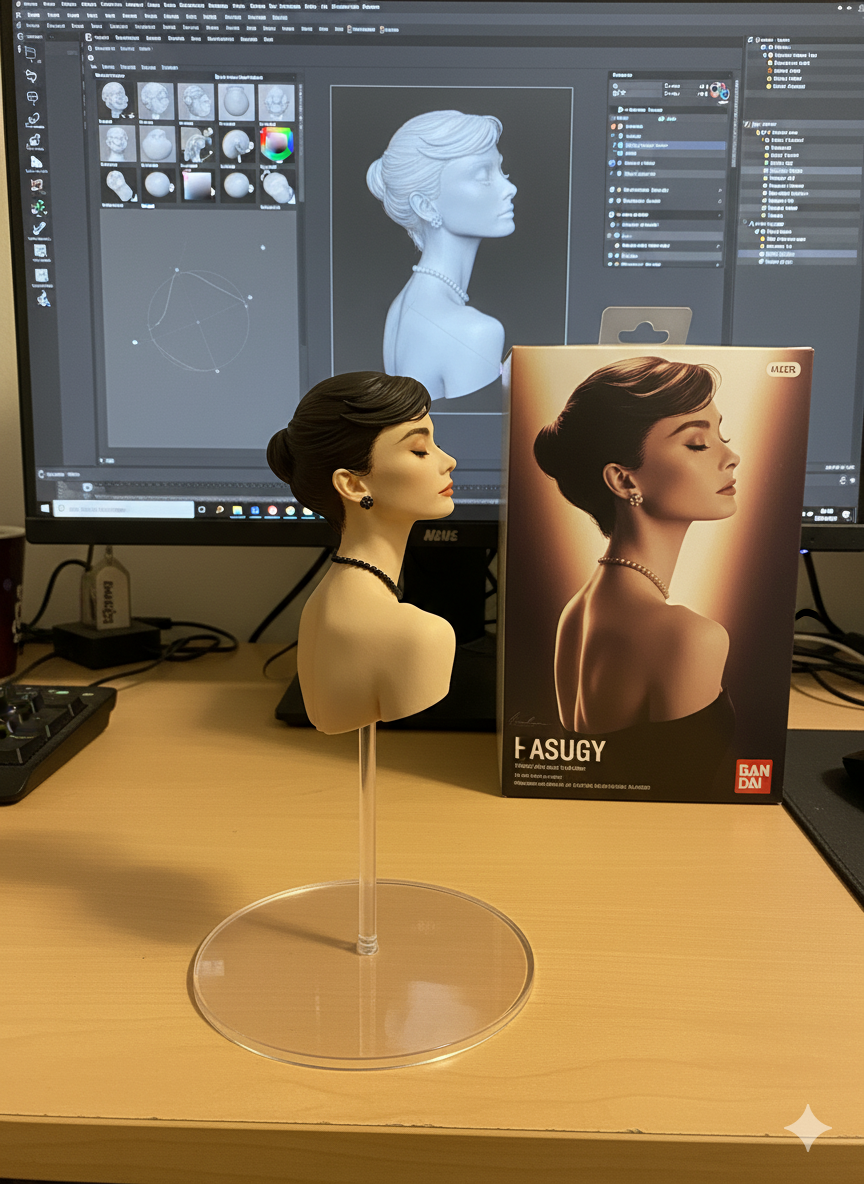
将你的自拍或任何角色照片,变成一个细节拉满、光影逼真的 1/7 比例收藏手办
提示词:
Create a 1/7 scale commercialized figurine of the character in the picture, realistic style, real environment. The figurine is placed on a computer desk, with a transparent acrylic base. On the computer screen, display the ZBrush modeling process of this figurine. Next to the screen, place a toy packaging box designed with original artwork.
2. 一键穿越,变身游戏/动漫主角
我拿爱豆照直接试,效果爆炸,脸部保真度极高!
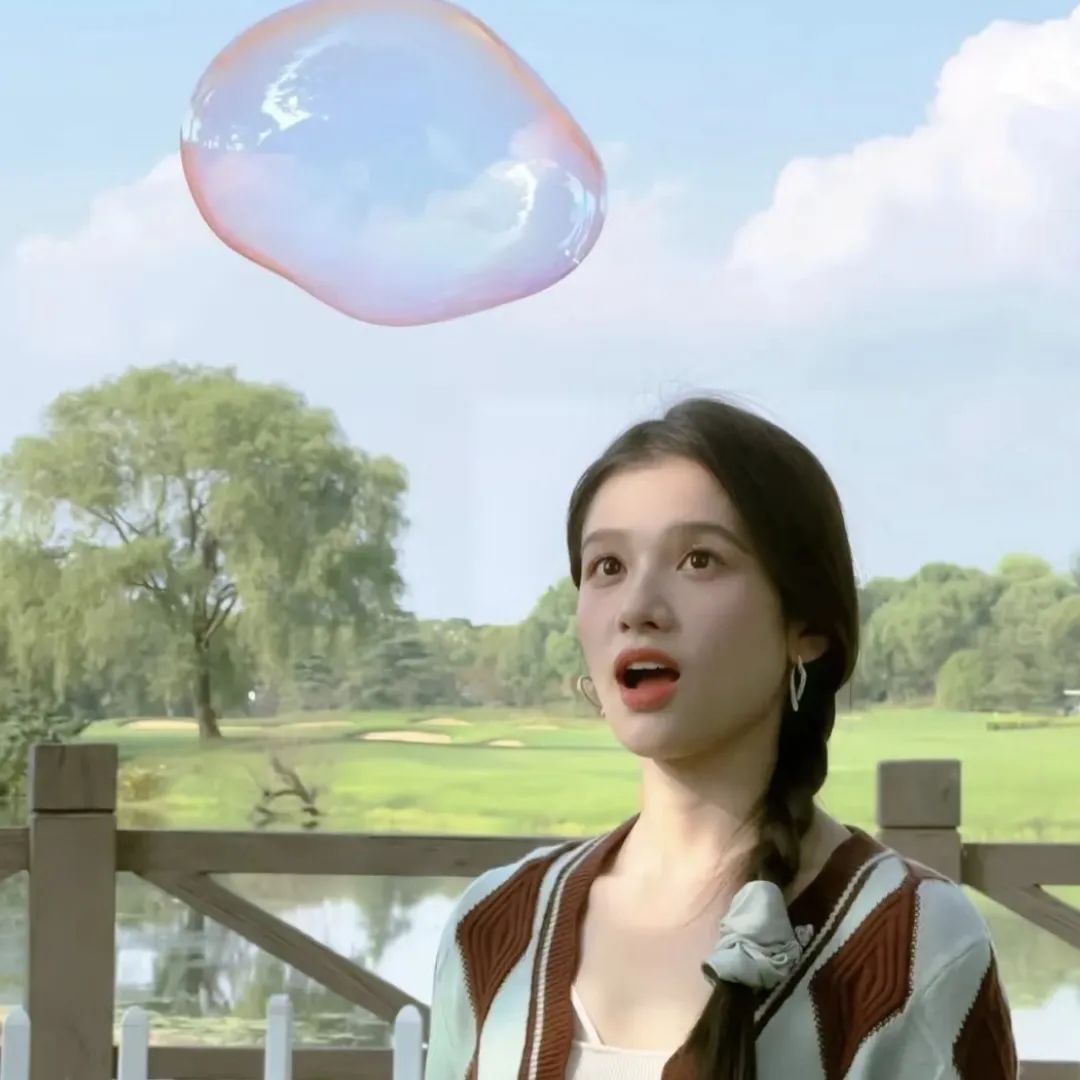
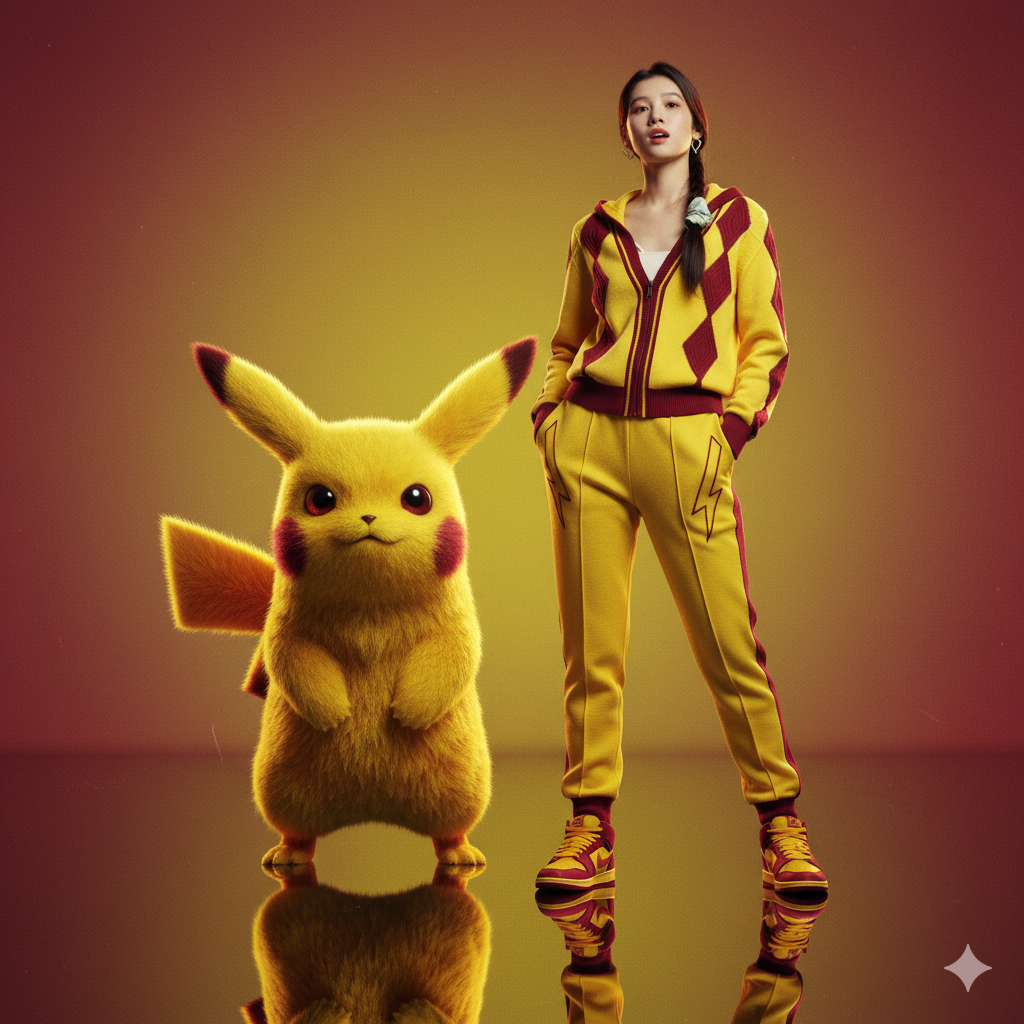
提示词:
Create a hyper-realistic editorial portrait of the person (same face 100%, same hairstyle, expression preserved). The subject wears a bright yellow and crimson hooded jacket with lightning bolt-inspired linework. Beside the subject stands a large Pikachu-like creature with realistic textured fur and vibrant palette. Background is a yellow-to-crimson gradient, glossy reflective floor, cinematic lighting, ultra-detailed 8K.
3. 加涂鸦元素
轻松叠加涂鸦、贴纸、插画等,封面感瞬间拉满!
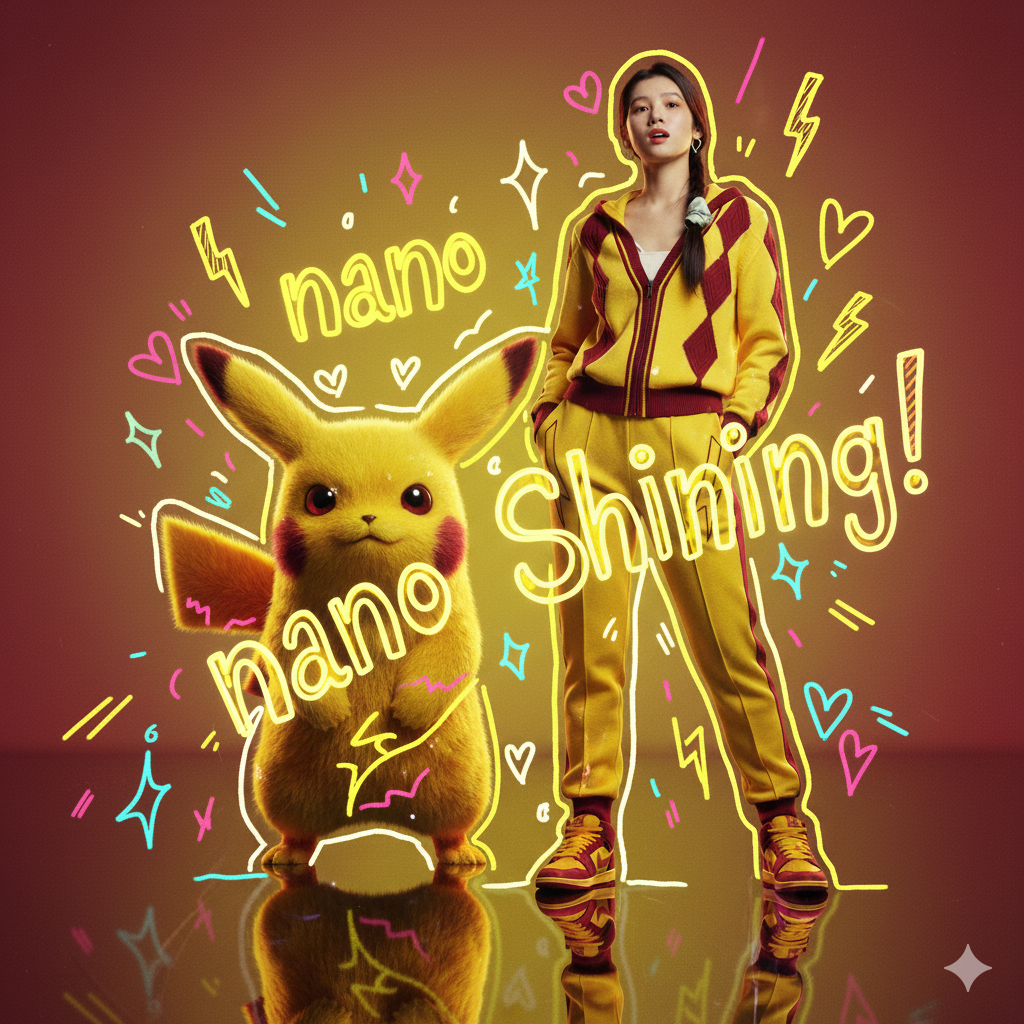
提示词:
Overlay doodle elements on the photo: playful stars, hearts, smiley faces, and sketchy lines. Make the photo vibrant, youthful, and shining, with a cut-out doodle collage vibe.
4. 一键去背景
懒人救星,不用再费时费力抠图啦!
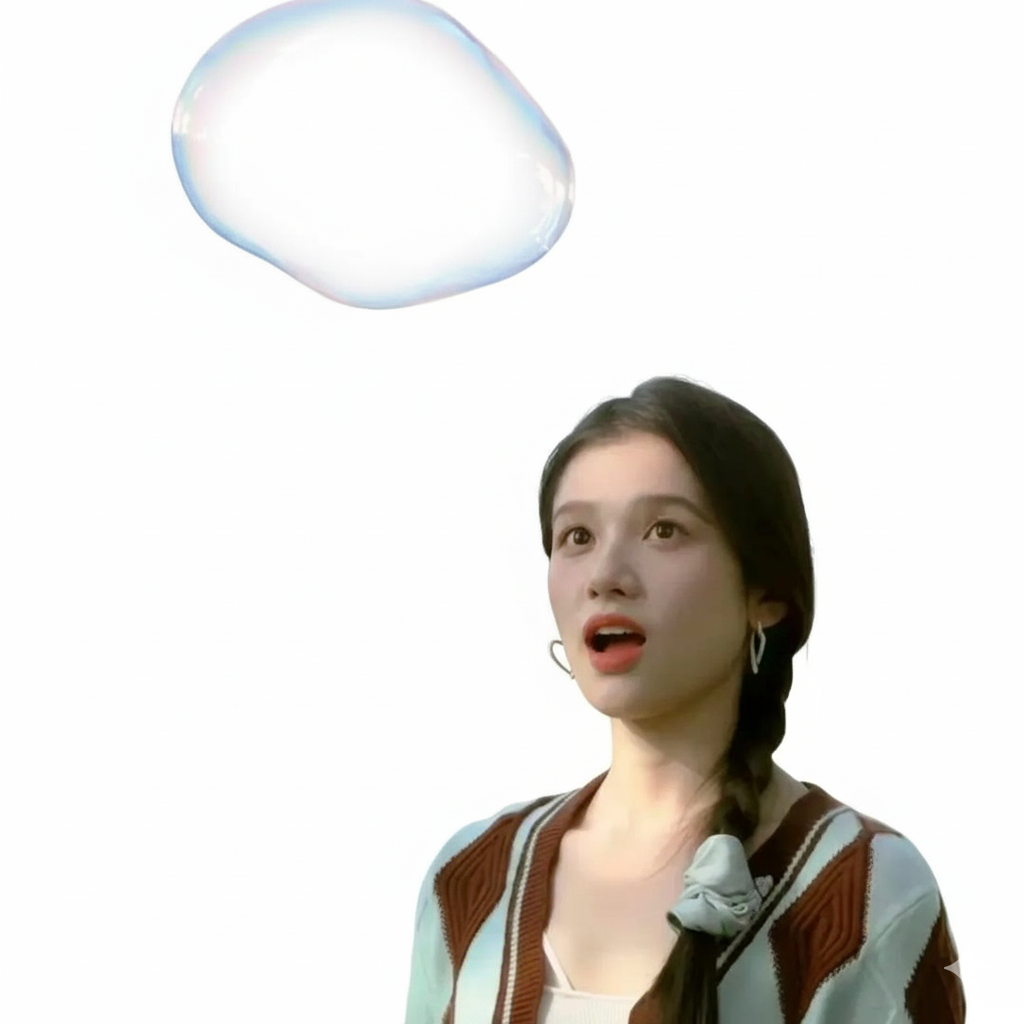
提示词:
remove the background
5. 修改画面元素
一句话P图,直接指挥图片中的元素做动作!
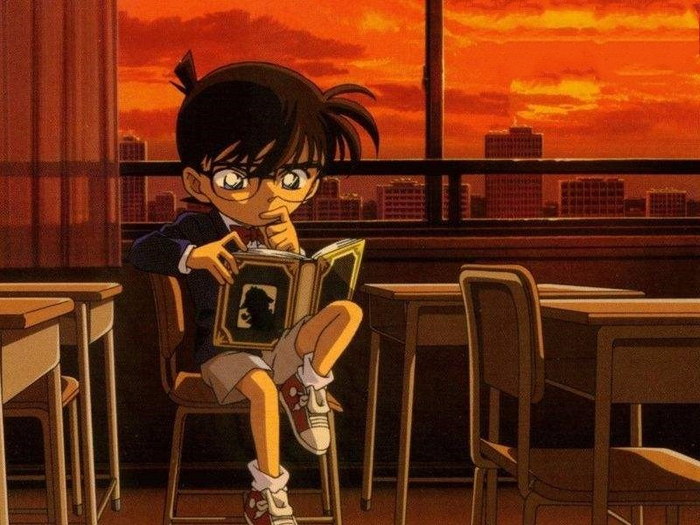
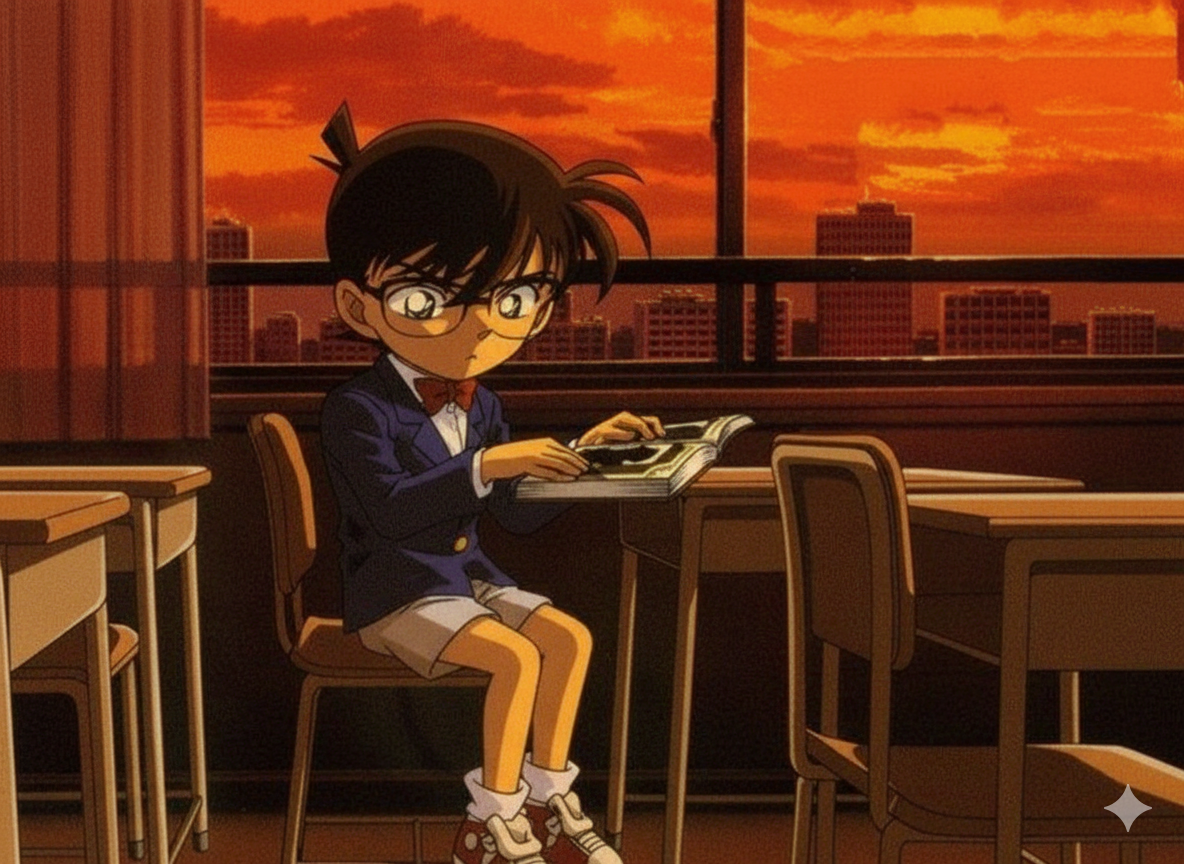
提示词:
A boy put down the book
⚠️ 注意事项
不要直接搜索“nano banana官网” ——没有!
现在全靠 Google AI Studio 和接入平台(Krea、FAL等)。
多次生成后,记得新建会话,保证效果稳定。
生成结果有时随机,保持耐心,你总能抽到极品图。
关注我,后续分享更多 nano banana 超强提示词!
